Articles - Page 106
Quick tips to recover Hacked WordPress blog
Have you got your WordPress blog hacked? Here are some quick tips to ensure your blog is out of danger. How to recover your hacked WordPress blog?

Step-by-step Guide to Restore WordPress blog Database Backup Manually
If you are looking for restoring your WordPress blog database manually then here is a brief guide on How do you restore WordPress blog database?

Step-by-step Guide to Take WordPress blog Database Backup Manually
A brief guide on backing your wordpress blog database manually from phpmyadmin. We can also make WordPress blog database backup using a WordPress plugin too.

How to: Add Custom Gravatar in Comments on WordPress?
Today, We are going to show you how to add custom Gravatar image in comments for WordPress blogs, by replacing the default gravatar which commonly people hates

How to: Change Username and Password in Mysql Databases?
This tutorial is especially for those who want to know how to change the username and password in mysql for WordPress CMS.
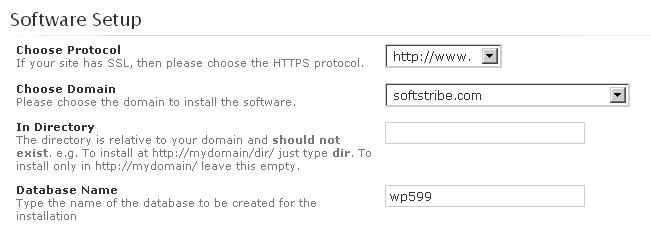
How to: Limit the Failed Login Attempts in WordPress?
One of the best way to secure your WordPress Admin login page is to Limit the Failed Login Attempts for it using a simple plugin named limit login attempts.
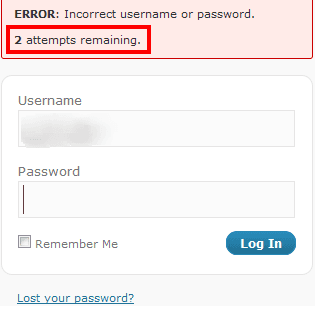
3 Ways to Change Username in WordPress?
How do I change my WordPress default username "Admin"? There are three ways to make it happen sir, came up a guide on how to change username in WordPress?
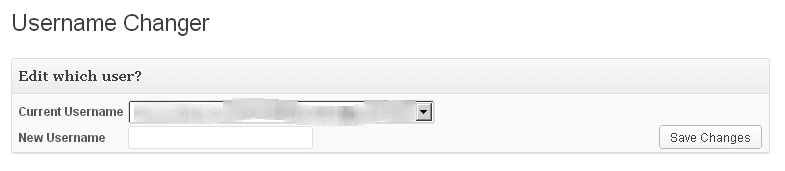
How to: Choose a WordPress Theme? – Things to Consider
There are a couple of things to see in a theme to decide whether it could be called "perfect for theme your blog". Guide on How to Choose a WordPress Theme?

How to Customize Post Info in Genesis with Genesis Simple Edits
Genesis which is a WordPress Theme I use and the developer of it Mr. Brian Gardner have completely described the edits on how to Customize Post Info in Genesis
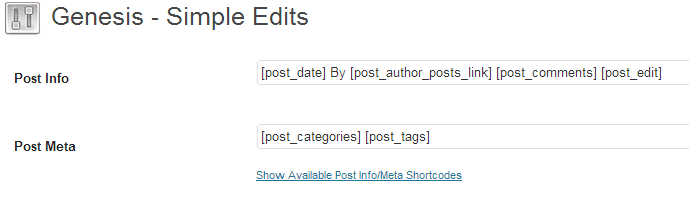
How to: Add HTML and XML Sitemaps in Robots.txt in WordPress?
robot.txt is the file to which search engines read that what kind of data they have to index from your site. Adding Sitemaps in Robots.txt in WordPress

How to: Add nRelate Related Posts in Genesis?
nRelate a WordPress plugin which let's you add related posts below post content. Today, we'll show you, how to add nRelate Related Posts in Genesis Framework

Two Ways to Change Database Tables Prefix wp_ in WordPress
Today, we’ll show you how you can change your WordPress database Tables prefix wp_ in your blog to enhance your blog security. Two Ways to Make it Happen!

10 WordPress Database Backup Plugins That Are Still Maintained
10 WordPress backup plugins checked on wordpress.org: UpdraftPlus, WPvivid, BackWPup, Duplicator and more, plus which old backup plugins are now closed.
How to: Add Floating Social Sharing Bar Below Post Title in WordPress?
Guide on adding floating social Sharing buttons to posts in your WordPress blog using floating social sharing bar which is actually a WordPress plugin.

How to Update a WordPress Theme Without Losing Changes
Update a WordPress theme from the Updates screen, the Themes screen or a ZIP upload, turn on auto-updates, and keep your changes safe. Steps for WordPress 7.1.
Free vs Premium WordPress Themes? – Comparing !
How to Choose a Perfect WordPress Theme for your Blog. Let's see the Comparison Between Free vs Premium WordPress Themes?

How to: Add Signup Newsletter Box Below Post Content in Genesis?
Adding Signup Newsletter box in Genesis is quite easy, this tutorials will help you adding Signup Newsletter box below Each Post in Genesis.
How to: Search and Replace Key Phrase in WordPress?
How to Search and Replace Key Phrase in WordPress? The only guide on Correcting the misspell in your WordPress Blog.

Complete Guide on Moving WordPress Core Files into Root Directory
Moving Wordpress Core Files into Root Directory is one of the best way to secure your WordPress blog. Here comes a Complete Guide on Moving WordPress

Top 5 Online Website Speed Analyzers
Top Online Website Speed Analyzers, Gtmetrix, Google Pagespeed Insights, Pingdom, IwebTool, and Ninjas page analyzing tool. Check your website speed today.
