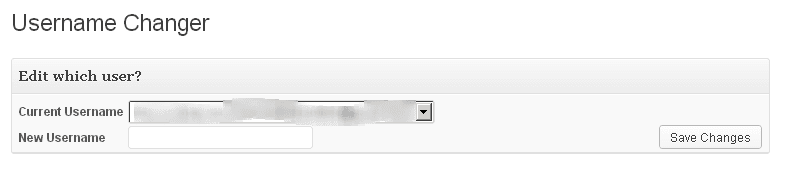
Today, we are going learn how to change username in WordPress? There maybe lots of reason for why you want to change it, along with that there is also a couple of security issues regarding default WordPress Username (Admin). Okay, yeah I can understand. I gonna tell you about there are three ways to change username in WordPress. Let’s discuss about them, so pay your head below…
1. Create a New User with Administrator Rights
I hope you understand what I’m trying to say. This would be the best method of changing the username name although it’s not about changing the your username but it may help some people I know. Because those who has posted lots of posts on their blogs than they will not create a new email to create a new user rather than finding an easy way to change it. There will be several issues, alright so just pay your assistance below to get an exact way to change your username.
2. Use Username Changer Plugin
Username Changer is WordPress plugin which let us enable to change username without editing a couple of code. Just install and activate username changer plugin and get started with a new username 😀 AHA! After installing it go to Users > Username Changer select a user from the drop-down and replace username with a new one that’s it.
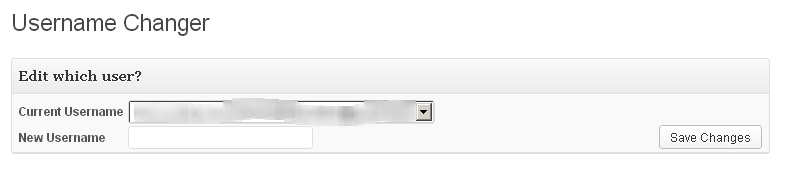
Done, and now it’s up to you that you delete this plugin or leave it installed. I guess delete it, because it’s useless now.
3. Changing WordPress Username Manually via Phpmyadmin
This is what we called it an exact way of changing a default username. You can change your WordPress username directly from phpmyadmin where the whole data of your blog save including comments, posts, pages, a lot more you do while blogging. Follow the steps below to change username via phpmyadmin:
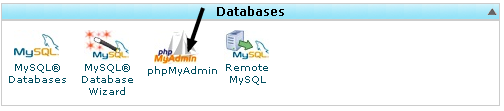
1. Login to your cPanel > Phpmyadmin
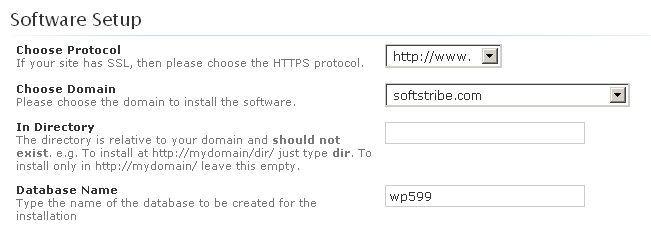
2. Jump into your blog database from the left side or if you don’t know what a database is? I guess you that when installing WordPress, it seeks about the database name that’s it, this is I’m talking about. See the following image:
3. From the left side click wp_users, or if you just changed the database tables prefix wp_ then look for the yourprefixusers rather wp_users.
4. Now, just edit the record from the listed records, like this:

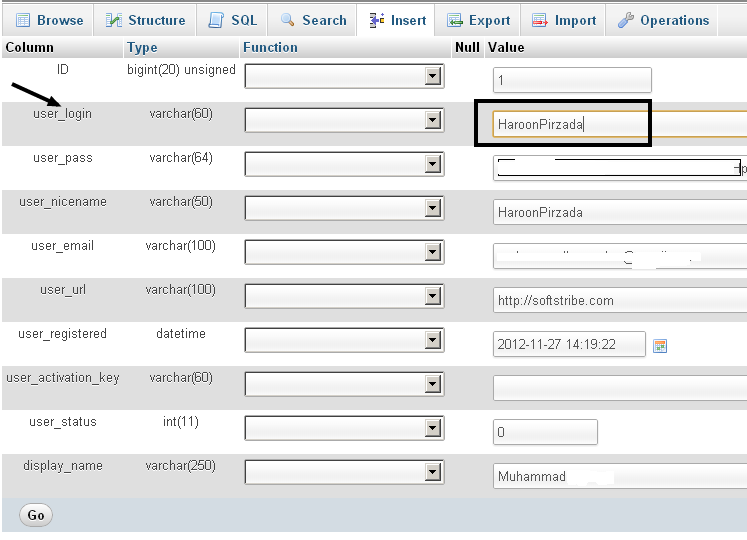
You did it man! Alright click the button Go.