
Muhammad Dilawar
Founder & CEO
Muhammad Dilawar is a WordPress developer and technical SEO specialist with over 12 years of experience building, optimizing and maintaining websites. He works with WordPress, WooCommerce, server optimization, DNS, SSL, Cloudflare, website security and performance, and is a Top Rated freelancer on Upwork with a 100% recommendation rate.
Articles by Muhammad Dilawar (1166)
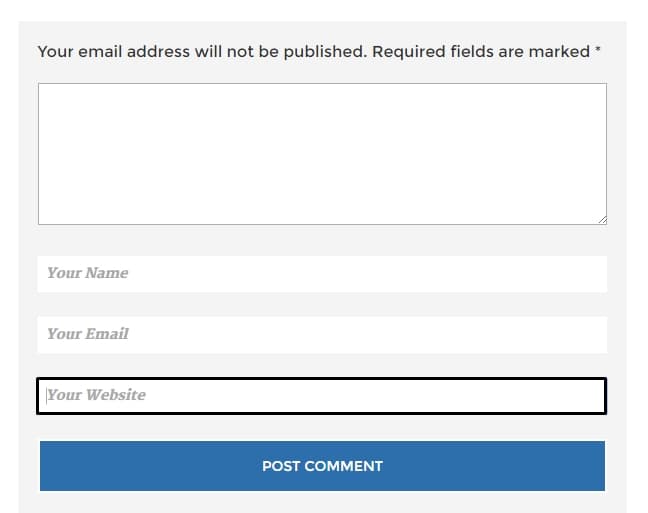
How to remove/disable website field in WordPress
If you have been using WordPress then you might know that there are tons of spam-robots which are targeting your blog for spamming and post thousands of spam
GetResponse vs InstaPage: Comparison Who offers Best Landing Pages
This post reviews two of the top landing page builders - GetResponse & InstaPage. After reading the complete post, you will get to know about their

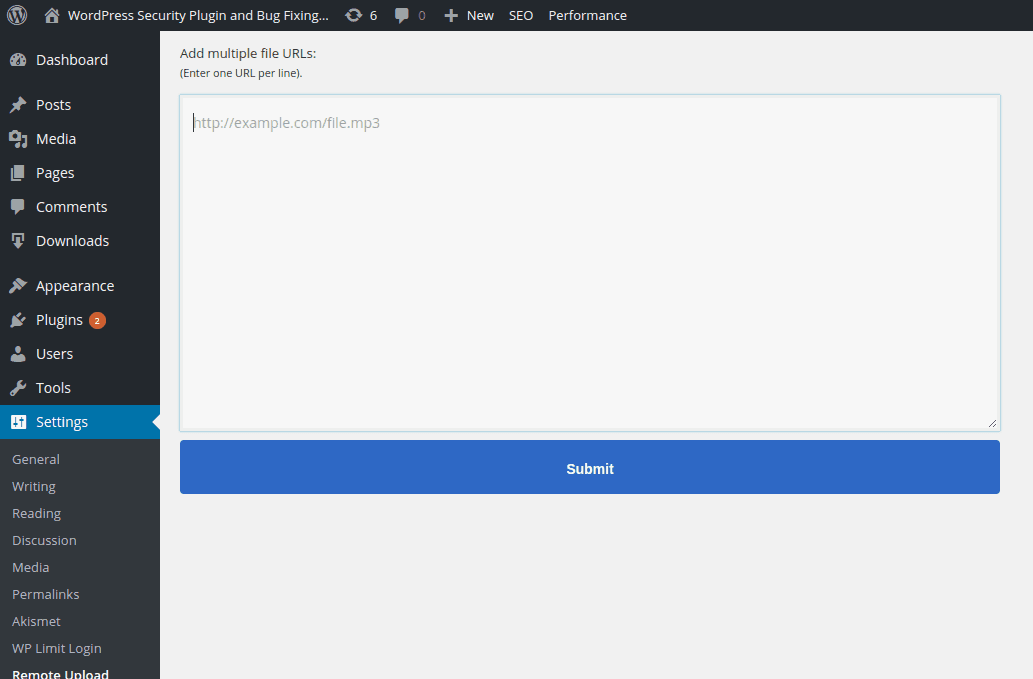
How to Remote Upload Files in WordPress
Well, remote upload files feature could be very useful and time saving for many of us because it will help you to upload the files right from download on
How to add Currency Converter Widget in WordPress
Forex is really a giant finance market with more than 3 trillion dollars of business world-wide everyday. If you are running a Forex or Stock exchange blog

Download Xoom Money Transfer App for Android
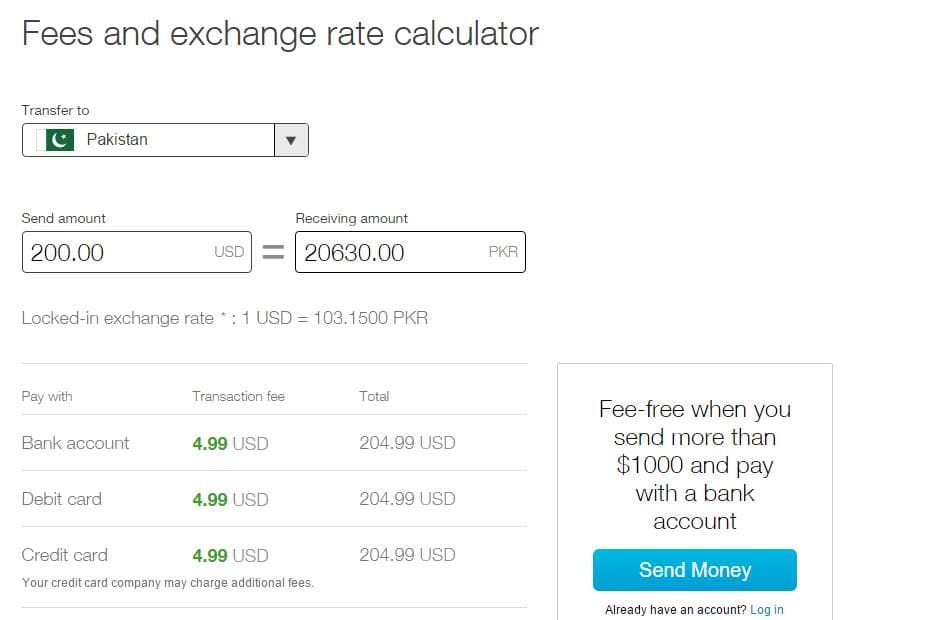
Xoom is one of the best and cheapest way to send money from the US to your friends and family in Latin America, India, Pakistan, Philippines, Vietnam, and more other countries.
How to convert .docx file into WordPress post/page
In this article you will learn how to convert .docx file into WordPress post/page or even on your custom post type.

3 Major Dangers of Cyber World & How to Overcome
The cyber world is a huge place. It has everything good and bad. Ranging from unlimited knowledge to the unrestricted access, you can measure which point the

How to add improved OTP Verification in WordPress
If you have been working hard to make your WordPress multi-author site powerful so you don't have to check on each user who register with your site. Sometimes

How to create robots.txt file in WordPress (2 methods)
Following are the methods to create robots.txt file in WordPress:

Recommended Settings for Yoast SEO WordPress Plugin
So, I just decided to share the import file of recommended settings for Yoast SEO plugin so you don't have to go into each tab of Yoast settings to fill in

Best & Secure APK Downloader for Android
It is been a while that we have been using Android smartphones/tablets and people are really having fun using Android because of its great features and
How to Force Visitors to Stop using adblockers in WordPress
If you don't want to lose money and start increasing your money on your Google AdSense publisher or any other ad network publisher accounts by using ad blocking alert WordPress plugin.

How to automatically limit Post Meta Description in WordPress Yoast
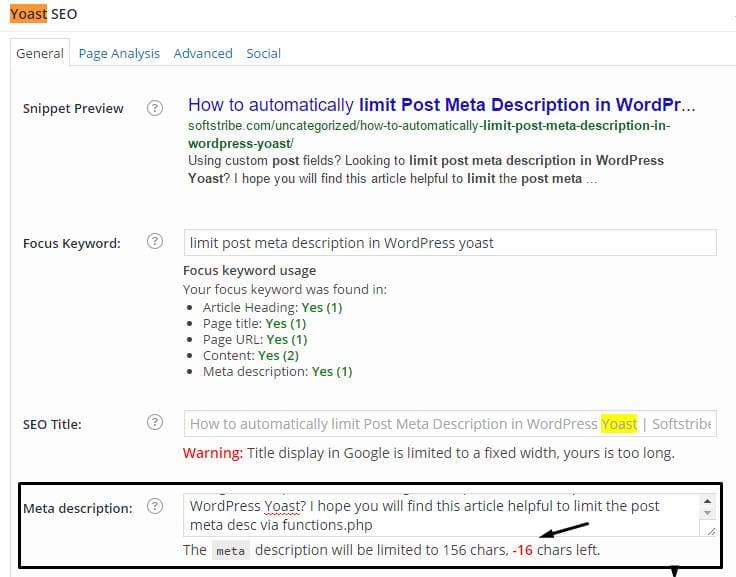
Using custom post fields? Looking to limit post meta description in WordPress Yoast? I hope you will find this article helpful to limit the post meta desc via functions.php
How to Resume Download in Google Chrome Browser
We can resume download in Google chrome browser by installing Chrono Download manager extension that provides a feature-rich download manager within Chrome.

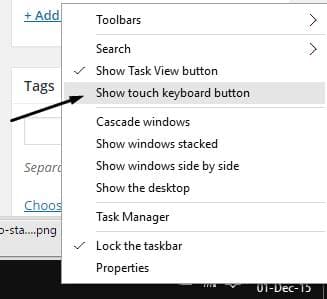
How to Fix Keyboard Issues in Windows 10
I wrote about Windows 10 Features, how to get rid of transparency effects in windows 10 and today you will learn to fix keyboard issues in Windows 10.
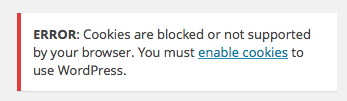
Quick Fix: Cookies are blocked in WordPress
“Error: cookies are blocked or not supported by your browser. You must enable cookies to use WordPress.“
50+ Most important WordPress short keys
We know that speed dial thing in our mobile phone is a kind of fast way of dialing numbers and easily get in touch with someone faster by just dialing their

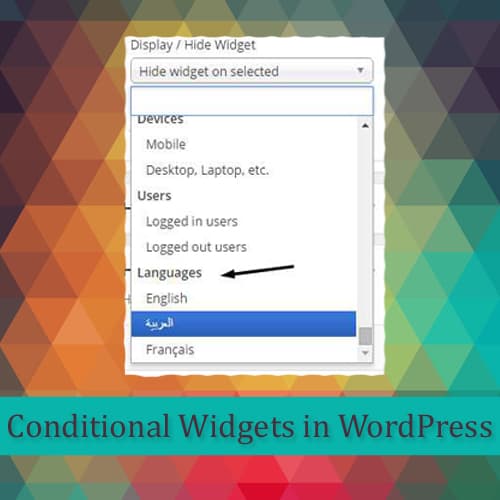
How to add conditional widgets in Multi-language WordPress site
WordPress have made our life a lot easier than we can imagine these days. We create most than 12 kind of different sites with the help of WordPress. We have
How to Reset WordPress Database if Import Theme Demo Fails
WordPress have been helping people for years now and it has been a great journey to create websites with ease by installing and activating theme and plugins

Best W3 Total Cache Settings for WordPress
The W3 Total Cache settings its developer recommends: Disk Enhanced page cache, object cache on, database cache off, and how to enable Minify safely.

Browse Anonymously on Android Devices with Rocket VPN
You might be confused why to browse anonymously while you have internet connection with secured WiFi? Of course you have but it has become very common

Hexlock Android’s Best Pattern Lock Security
We have been using Android for a while now and it has been an amazing journey from Android 1.5 Cupcake to 6.0 Android Marshmallow. Android apps provide almost

How to Get Rid of Transparency Effects in Windows 10
Windows 10 is one of the best Windows I've ever used and I would suggest every to upgrade their old Windows to new one. If you are still thinking but

9 Chart Types to Use in WordPress with Visualizer
Visualizer plugin is a simple, easy to use and quite powerful tool to create, manage and embed interactive charts into your WordPress posts and pages.