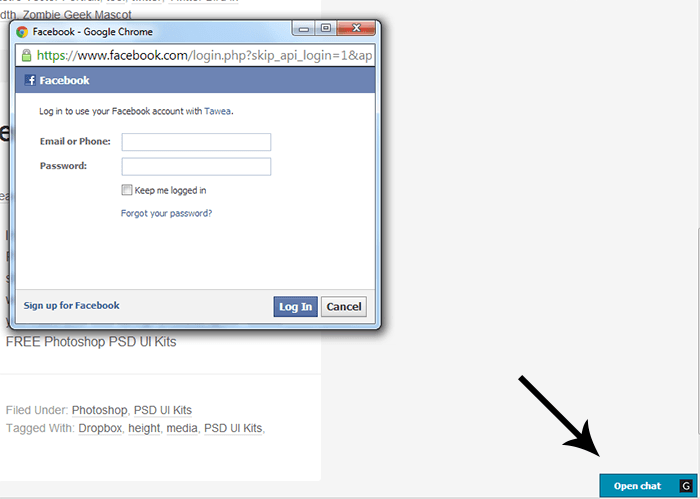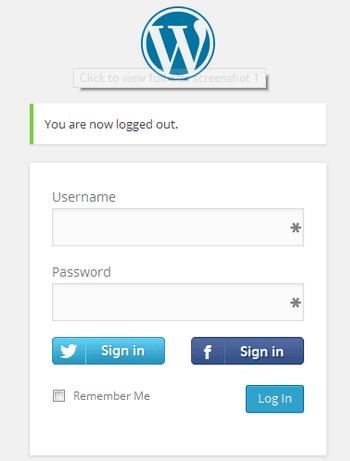
If you want to allow your WordPress blog users to login via Facebook or Twitter and you want to add additional login buttons on login page of you WordPress blog read the rest of article where I’ll show you the exact way to Login via Facebook Or Twitter Buttons in WordPress. So, stay tuned on this page and find out the easiest way to allow your blog users to login via Facebook or Twitter.
How to Add Facebook and Twitter Login Buttons in WordPress
Facebook and Twitter login WordPress plugin is professionally developed and available on free WordPress plugins repository to use. On installing and activating this plugin in you blog results login with Facebook and Twitter buttons on WordPress login page.
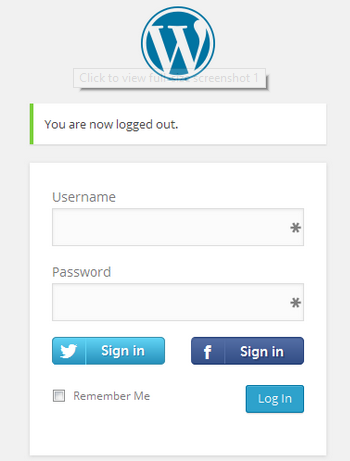
You can display Facebook and Twitter Login buttons wherever you want using:
- With a shortcode
- With widget
Optionally add the Facebook and Twitter Login to login form:
- On the login page(Optional)
- On the registration page(Optional)
Supported Social Networks/Providers:
Increase your WordPress user engagement in a few simple steps with the Facebook and Twitter Login Plugin! Many users love convenient way to join your website.
For more information about how Facebook and Twitter Login works?