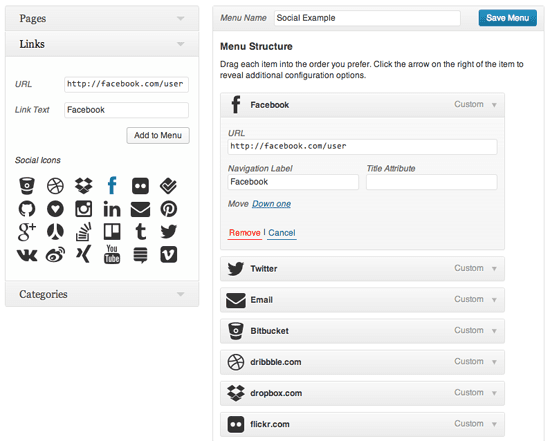
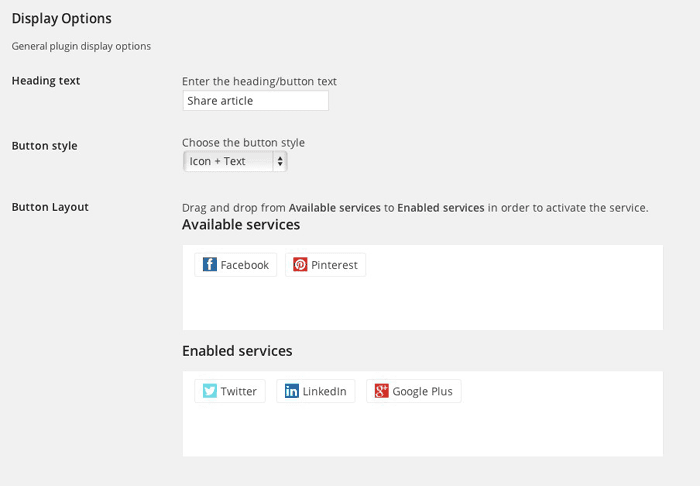
In this article, I’ll share with you a great WordPress plugin that will allow you to add social icons widget in WordPress. You can choose the area with dark and light color scheme according to your WordPress blog also.
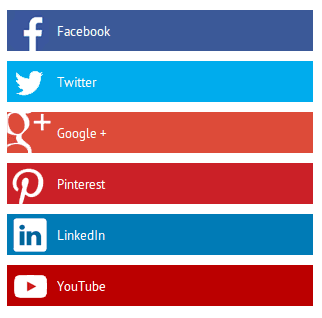
Cool Social Icons widget plugin is very easy-to-use, customizable way to display icons that link visitors to your various social profiles. With it, you can easily choose which profiles to link to, customize the color scheme of your icons all from the widget form no need settings page. You can add the following social media icons using this plugin:
Facebook, Flickr, Google+, Instagram, LinkedIn, Pinterest, RSS, Tumblr, Twitter, YouTube, and MySpace.