Microsoft has begun the global rollout of Windows 11 version 24H2, the biggest update to Windows 11 since its launch. The update brings Copilot+ PC features to more devices, including enhanced AI-powered search, live captions with translation, and improved Windows Studio Effects for video calls.
Notable Features in Windows 11 24H2
- Copilot Integration: AI assistant integrated throughout the operating system
- New Energy Saver Mode: Improved battery management for laptops
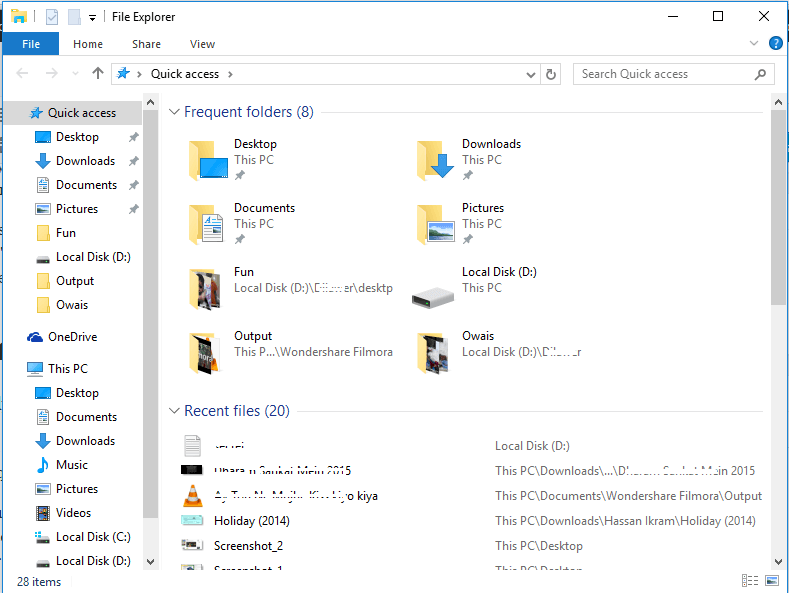
- File Explorer Gallery View: New way to browse and organize your photos
- HDR Support: Better support for high dynamic range content
- Live Captions: Real-time translation in 44 languages
- Windows Studio Effects: Enhanced video call features with AI
How to Update
To check if Windows 11 24H2 is available for your PC:
- Open Settings
- Go to Windows Update
- Click "Check for updates"
- If available, click "Download and install"
System Requirements
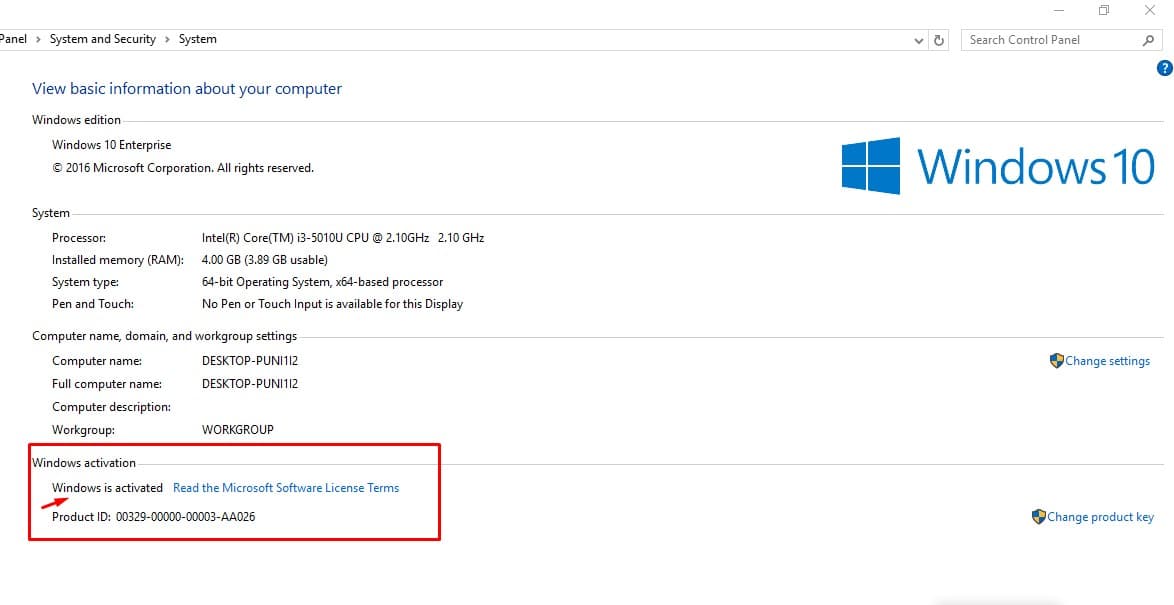
Windows 11 24H2 requires the same minimum specifications as Windows 11:
- 64-bit processor with 2+ cores at 1 GHz
- 4 GB RAM minimum
- 64 GB storage minimum
- TPM 2.0
- UEFI with Secure Boot
- DirectX 12 compatible graphics
Copilot+ PC features require a Neural Processing Unit (NPU) with 40+ TOPS performance.