In this article I’m going to show you how you can add an awesome grid view on the homepage in Genesis framework or any of its child themes. The grid view will make your homepage look awesome, it helps you to show more articles in less space clear and nicely.
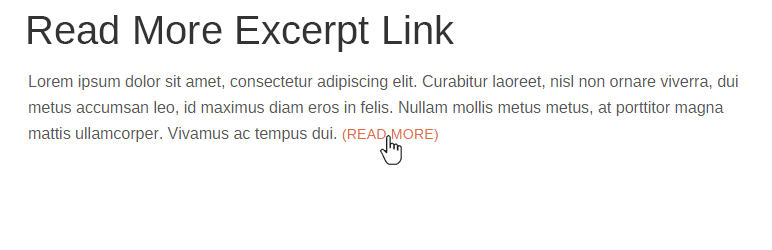
As I just wondered how Bill Erickson have defined about how to make your blog homepage grid view after first or second post in Genesis with Genesis Grid Loop Content. Here what an example I’m talking about:
Add Grid View on Homepage in Genesis Framework
To Add the Grid View on the Homepage of your blog, follow the steps below:
1. First of all, create a file called home.php in your Genesis child theme (https://yoursite.com/wp-content/themes/your-theme)
2. Click the link below and copy the codes and paste them in your home.php. That’s it.
You can also accomplish the same thing by using a simple WordPress plugin Genesis Grid developed by Bill Erickson.