Articles - Page 99
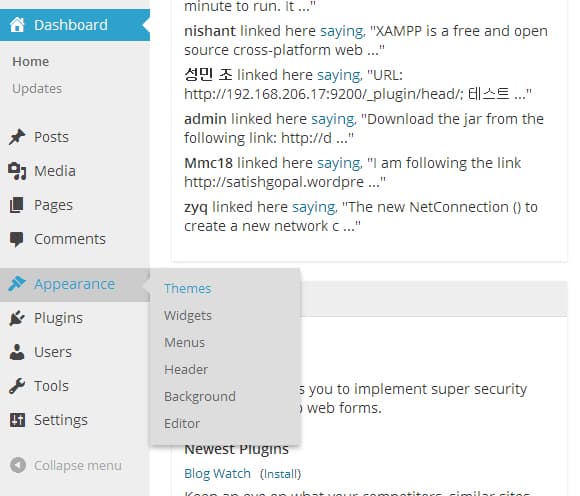
Light WordPress Admin Design with MP6 Light WordPress Plugin
MP6 plugin provides us the dark black admin interface on installation. To make the light WordPress admin design we have got another plugin called MP6 Light
Top 55 Best Widgets for Android
In this article, I'm gonna show you a huge list of Top 55 FREE amazing widgets for Android. This includes the Google widgets like Google Drive, Google Earth
Witty talk: 123 Entrepreneurial Quotes Likely to Get You Into High Gear
We present 123 hand-picked entrepreneurial quotes that you might probably have never ever heard of. They're all full of inspiration and motivation.
How to Add Extra Fields in WordPress User Profile
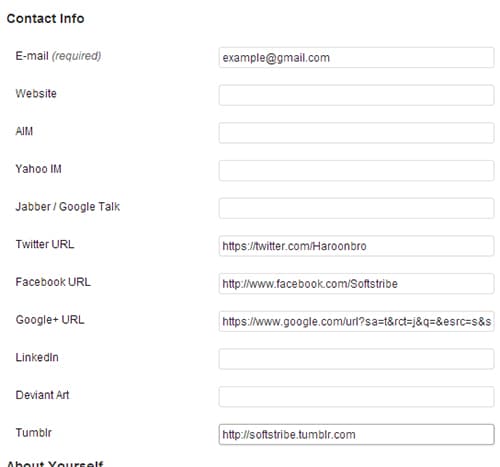
How to add extra fields in WordPress user profile. In order to add extra fields in your user profile, just install Better User Profile Fields plugin ...
How to Add Custom Comment Form Title for Each Post in WordPress
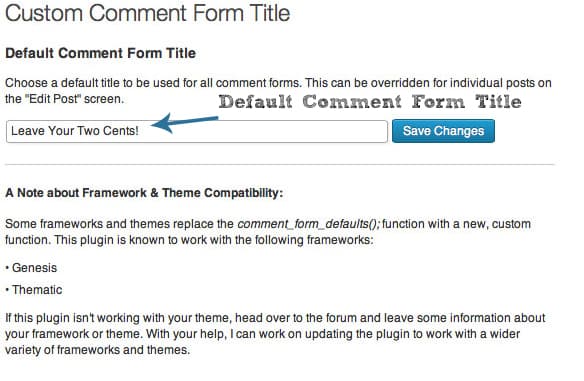
Custom Comment Form Title WP plugin will allow you to quickly change the default title to something more engaging. Use compelling questions as for ..
How to Embed Your X (Twitter) Feed in WordPress
Twitter is now X and old feed plugins are gone. Four ways that still work: embed a post, embed your timeline, use a maintained feed plugin, or add a Follow button.
How to Add Floating Social Sharing Buttons in WordPress
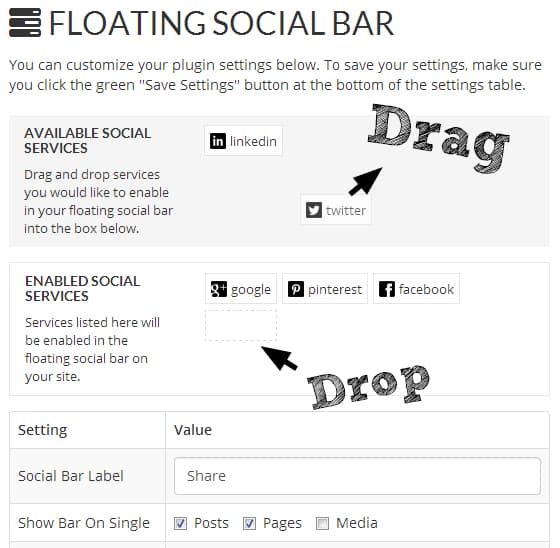
floating social sharing buttons in WordPress. Why should you add floating social sharing buttons in your blog? Because of social media conversion, these soc ..
Simple Slideshow Manager – Add Slideshows to Posts in WordPress
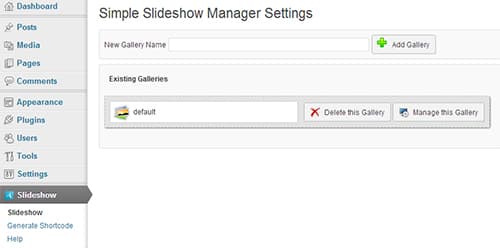
Simple Slideshow Manager is a WordPress plugin which allows us to add slideshows to posts in your blog so easily. This Plugin is an easy to use yet .
How to Import and Export Widgets in WordPress
This article will teach you how to import and export widgets in WordPress. Those who are using plenty of widgets in their blogs, and setting up those widget

How to Add Sticky Social Bar in WordPress
This article will teach you about how to add sticky social bar in your WordPress blog. What actually this sticky social bar is a simple container of social
How to Reset All Users Passwords in WordPress
How to Reset all users passwords in WordPress at one time. The reason why should you need this option or when it will be needed is that when your site is at
10 Awesome Free Fonts for Web Typography
free fonts for web typography. As far as I know that every web designer need these web typography fonts in order to make stand out projects. Out there are m ...
How to Disable Image Attachment Pages in WordPress
Disable Image attachment pages in WordPress. It's quite easy to accomplish however, we can't disable image attachment pages but can redirect them to the
How to Add Facebook Like Box in WordPress
Facebook like box in WordPress. From now, you can increase your Facebook fan page liker by featuring a like box in your blog's sidebars or in footer to grab ...
How to Control Post Revisions in WordPress
The more you create posts, the more post revisions will be there in the database. In order to control post revisions in WordPress,WordPress gives us a neat
WordPress Security Infographic 2013
There had be a couple of WordPress security issues that should be resolved in order to make a WordPress blog secure. So, in this article, let me show you a great WordPress Security Infographic 2013.
How to Remove /blog/ slug from WordPress Multisite Permalink
/blog/ slug from WordPress Multisite Permalink It's pretty simple to remove the /blog/ slug from WordPress multisite permalink. Follow the steps below: Go ...
How to Add a Social Sticky Header Bar in WordPress
Social sticky header bar is one most popular thing with which you can increase your social shares, feed subscriber and make your blog look awesome. ...
Top 60 Best WordPress Tutorials
WordPress Tutorials that a beginner web developer needs. In the following WordPress tutorials, you will learn many things about WP. If you are reading this
How to Highlight Syntax in WordPress without a Plugin?
highlight syntax codes without having to load large files. Styling the Preformatted Tag: Add the following CSS codes in the style.css file by going to A .