Ashampoo Burning Studio Free: Official Download and Features
Ashampoo still offers a genuinely free edition of its disc burner, Ashampoo Burning Studio FREE. You don't need an old "Burning Studio 18 setup" from a download site: the free edition comes straight from Ashampoo and has no time limit.
What Burning Studio FREE can do
- Burn data CDs, DVDs and Blu-ray discs
- Create and restore backups
- Rip audio CDs and make your own music CDs
- Burn movies to disc
- Create and burn ISO and other disc images
- Erase rewritable discs
How to get it
- Go to the official Ashampoo Burning Studio FREE page and click Download.
- Install it. Ashampoo asks for a one-time registration to use the free edition.
System requirements
Ashampoo lists Burning Studio FREE as compatible with Windows 11, 10, 8 and 7, in both 32-bit and 64-bit versions. You also need a disc burner drive.
Free vs paid
Ashampoo also sells newer paid versions of Burning Studio with extra features. For everyday burning, ripping and disc images, the free edition is enough for most people.
Other options
Compare it with other burners in our list of Ashampoo Burning Studio alternatives.

Related Articles
Ashampoo Burning Stu
Ashampoo Burning Studio Free: Official Download and Features
Oct 16, 2017·Computer Software
Best Ashampoo Burning Studio Alternatives: For Disc burning in 2026
Jun 17, 2025·Alternatives
VLC Media Player 32-
VLC Media Player 32-bit for Windows: Official Free Download
Oct 14, 2017·Computer Software
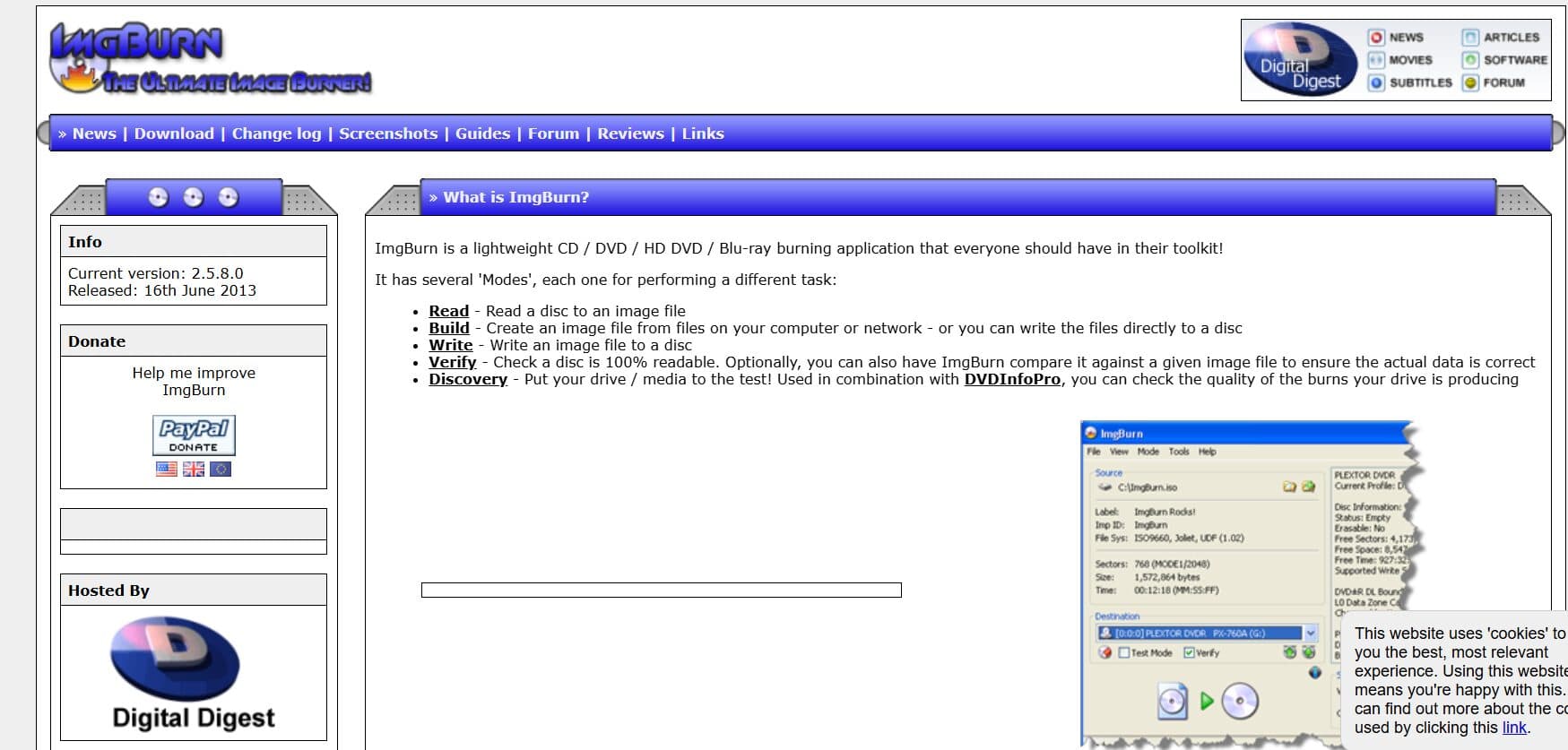
Best Nero Burning ROM Alternatives: For Disc burning in 2026
Jun 17, 2025·Alternatives
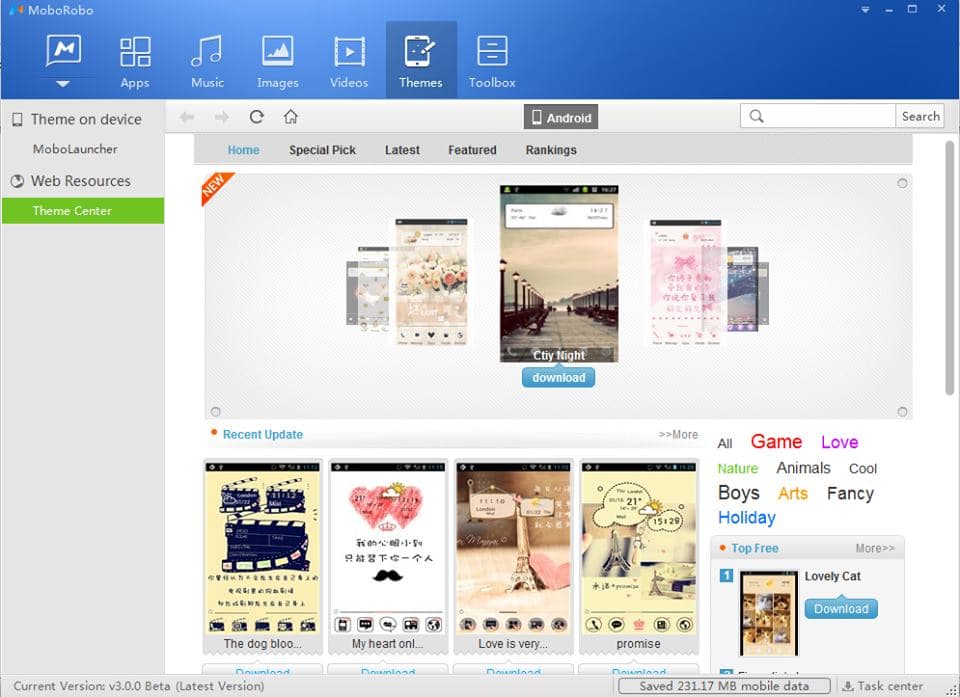
Review MoboRobo Software Application Management (v3.0.0.272) – With Features
Jan 30, 2015·Computer Software
Code Editors for Dev
5 Best Code Editors for Developers in 2026
Feb 1, 2018·Alternatives