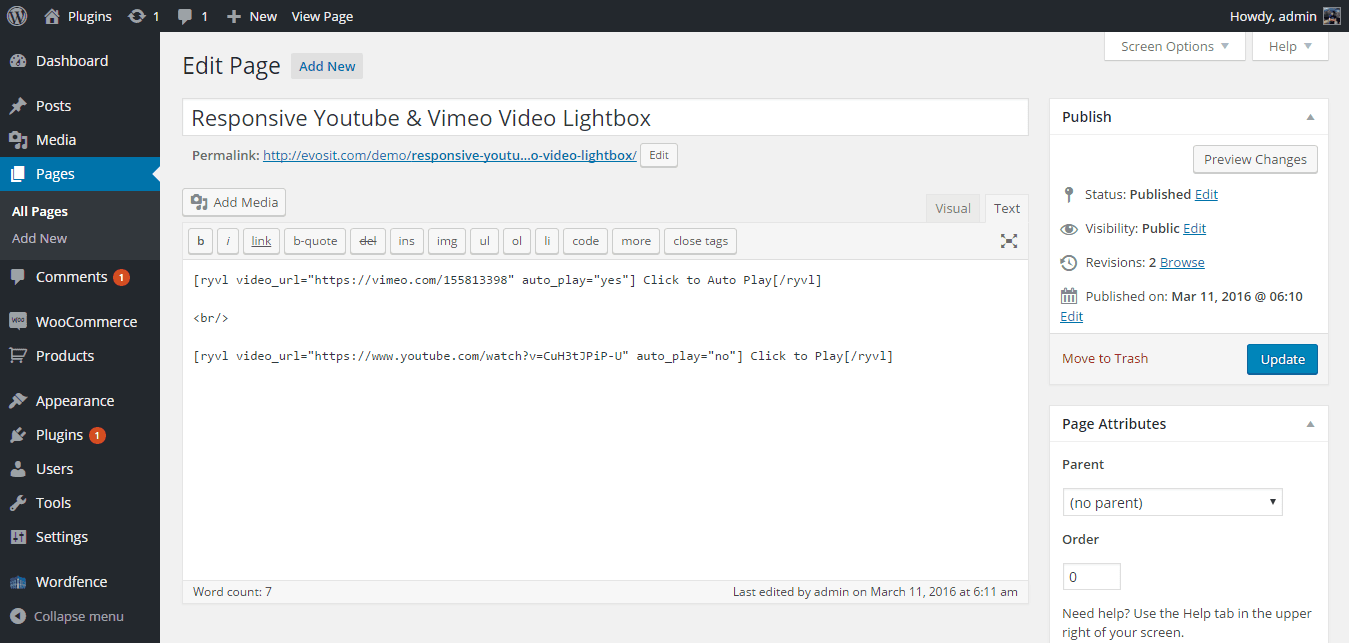
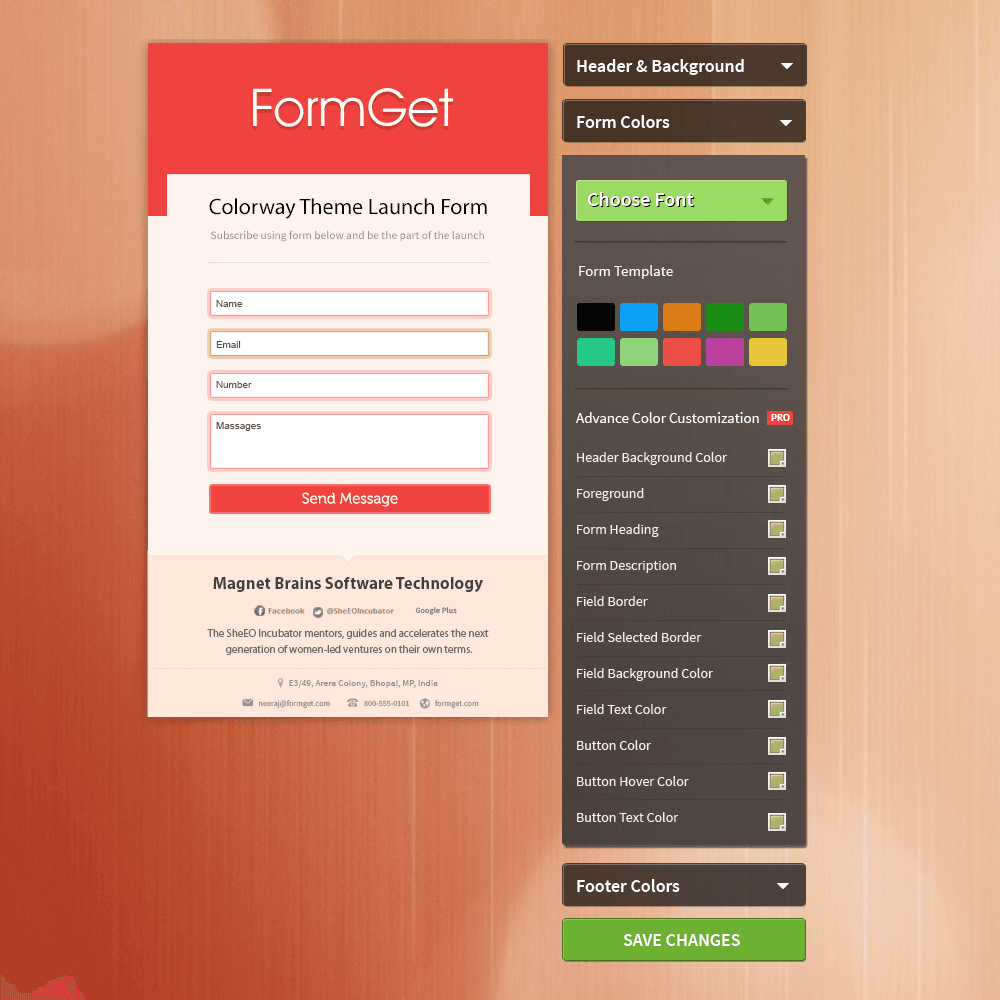
Responsive Contact Form is a good WordPress plugin which generates responsive contact form seamlessly for your WordPress blogs. Using this plugin, you can easily display responsive contact forms wherever you want in your blog template, sidebar, footer, posts, pages, by simply inserting a shortcode [ai_contact_form] and the form will appear or paste this php code < ? php do_shortcode(“[ai_contact_form]”); ? > in the theme files.
Just now, Responsive Contact Form WordPress plugin enabled multilingual option with which you can easily add responsive contact form in multiple languages.
[Post Updated: December 29, 2013]
Features
- Responsive form
- jQuery validation to validate the fields within the form
- Captcha code enabled (with enable/disable and alpha numeric)
- Ability to add subject text for mail to be sent to the users
- Choose where to send the messages – this can be any email address
- You can choose the message to be displayed after successful submission of form Ex.-Your details are submitted successfully!
How to Use Responsive Contact Form
- At the very first place, install Responsive Contact Form in your blog
- Secondly, go to Settings > AI Simple Ajax Contact Form Settings and add the details for your contact form
- Create a post/page and insert the shortcode [ai_contact_form] in it to display the responsive form over there in specific post or page.